LG SuperSign Control+,
Signage Management Solution
All images are for illustrative purposes only.

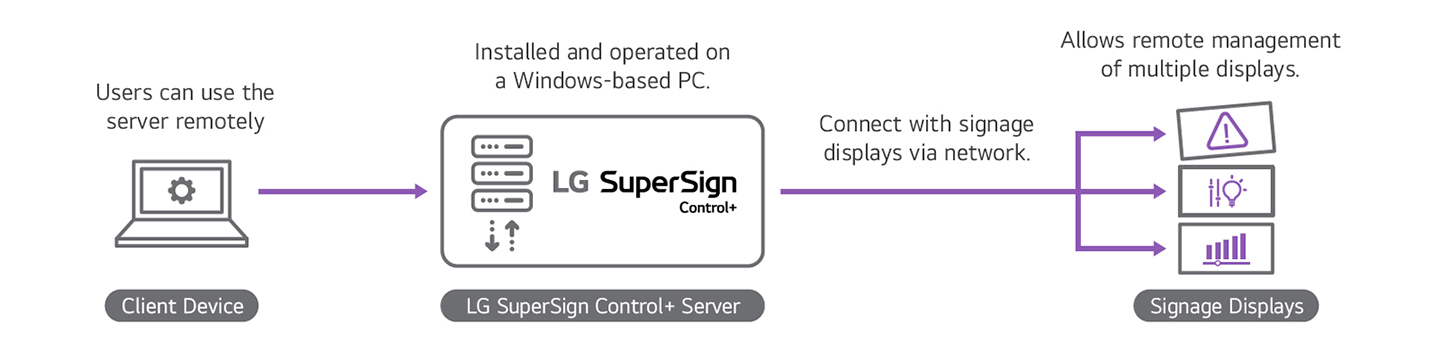
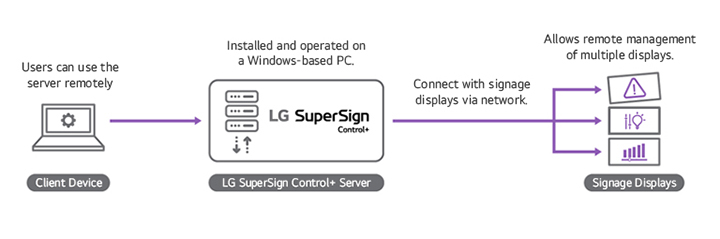
LG SuperSign Control+ is an on-premise signage management solution that provides remote control and monitoring features optimized for LG’s webOS signage*. As an on-premise solution, it requires its own IT infrastructure and network environment, but supports integration with up to 15,000 signage displays, making it well-suited for enterprises managing a large number of devices. Additionally, to facilitate the management of numerous devices, multiple administrators can access the solution.
* LG SuperSign Control+ supports LG Signage running webOS 4.0 or higher, and it operates on the Windows 10 or later with some higher versions of database platforms. For detailed information regarding model compatibility and any limitations, please consult your regional sales team.
Contact Us


Structure Of LG SuperSign Control+
Monitoring
Monitoring is a crucial component when operating signage devices, providing essential benefits for the seamless management of your digital signage devices. See how LG SuperSign Control+ can monitor digital signage devices.
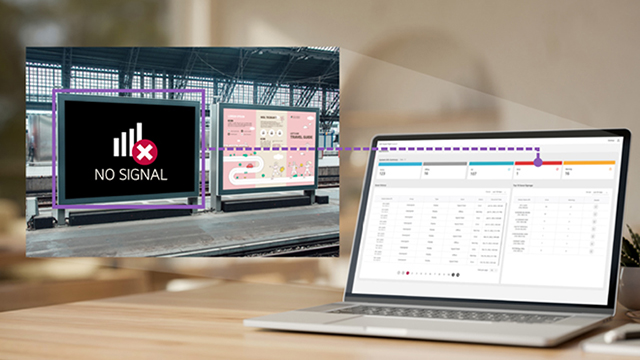
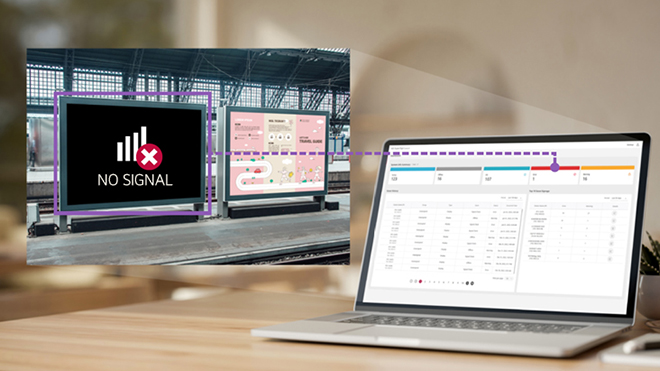
Intuitive Dashboard
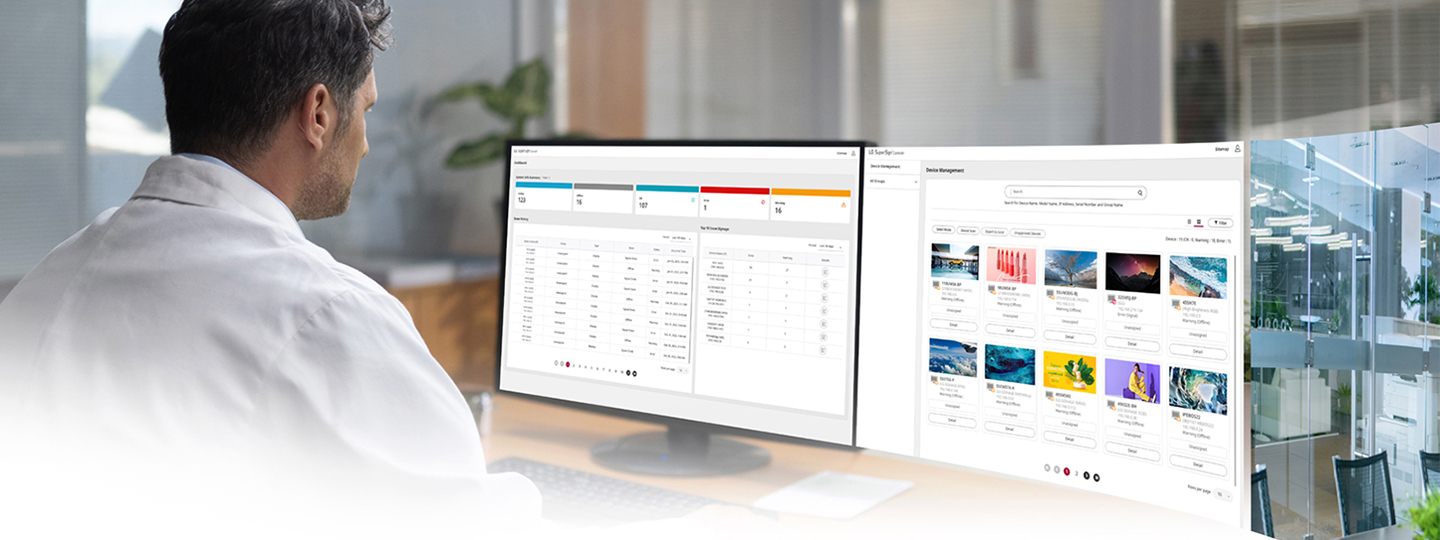
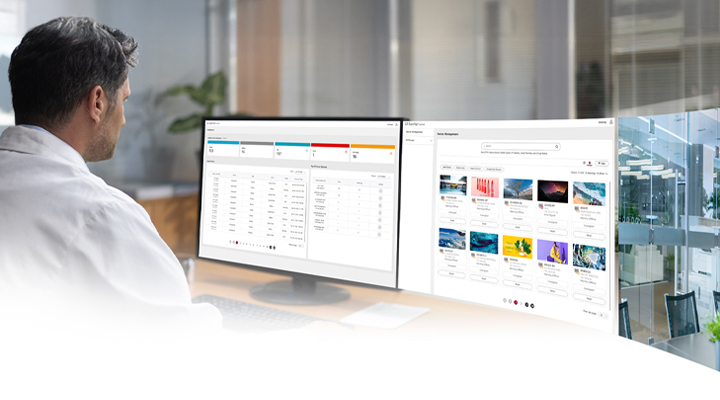
The intuitive dashboard provides users with an overview of information related to the signage devices. This includes a summary of device statuses and a history of issues. By using visual cues such as colors, users can easily grasp the current status of the devices connected to the solution. Additionally, the dashboard allows users to identify which devices are encountering frequent issues, enabling swift troubleshooting and resolution.
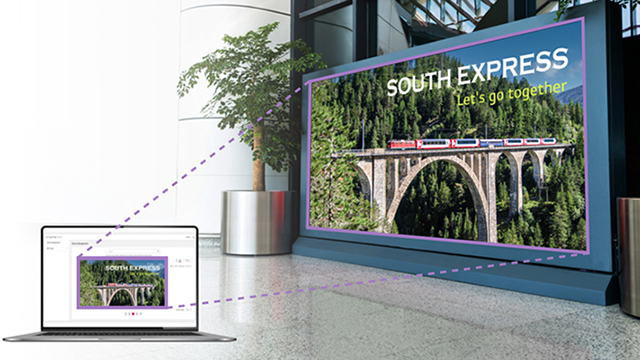
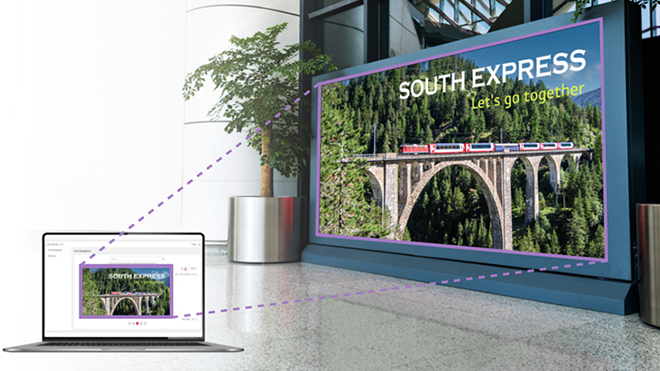
Thumbnail View
The thumbnail view feature displays real-time snapshots of the content currently being played on the signage devices. This gives users a live view of what is being displayed on the screens. By monitoring the thumbnails, users can ensure that the content is playing correctly on the signage they are operating.
Warning Thresholds
(Email Notification, SNMP Message)
LG SuperSign Control+ allows users to set custom warning thresholds based on specific purposes such as temperature or other metrics. These thresholds can be configured for different groups or categories of devices. When a value exceeds the set threshold, the system automatically sends an email notification to the designated observer or triggers an SNMP* alert, providing immediate error reporting. This proactive approach enables users to receive alerts about potential issues even if the device appears to be functioning normally. By receiving advance warning notifications, users can take preemptive measures to address expected failures and reduce downtime.
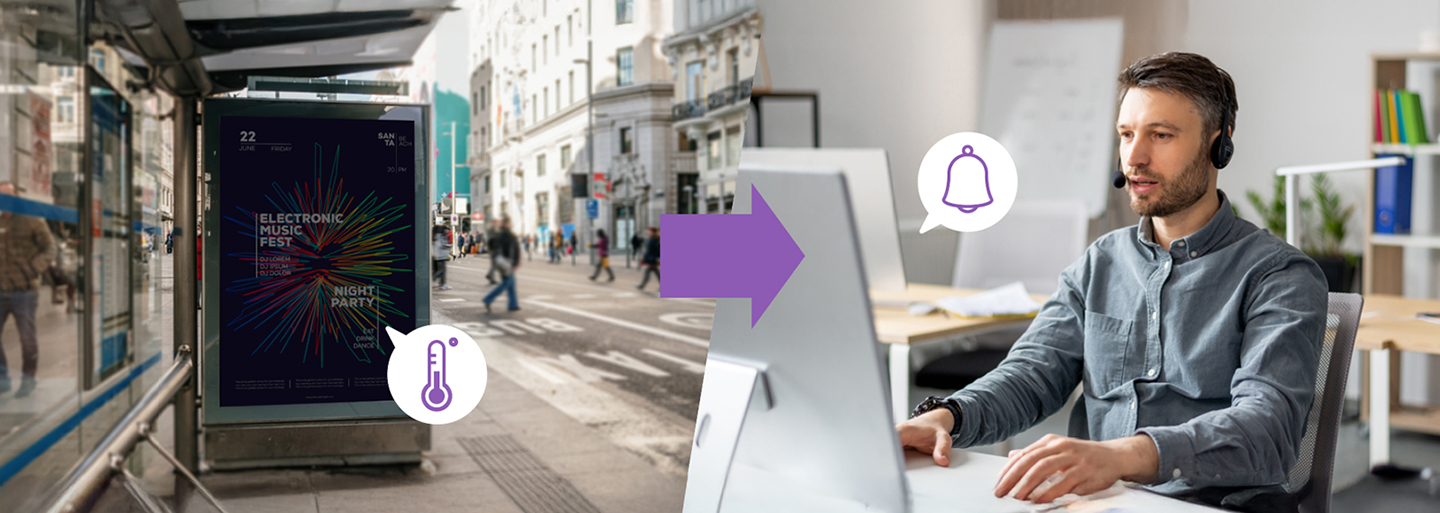
* SNMP : Simple Network Management Protocol.
Device Control
When operating signage displays, it is frequently necessary to have control over them. LG SuperSign Control+ provides users with the capability to manage their devices effectively, ranging from making simple configuration adjustments to scheduling different settings for different times.
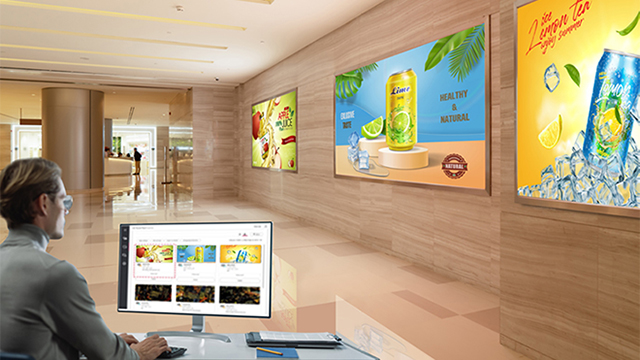
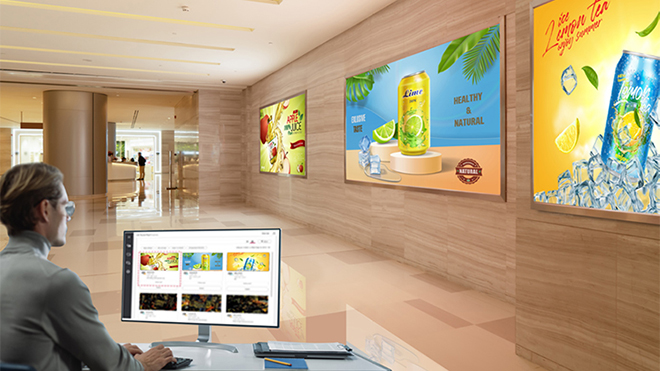
Multi Device Control
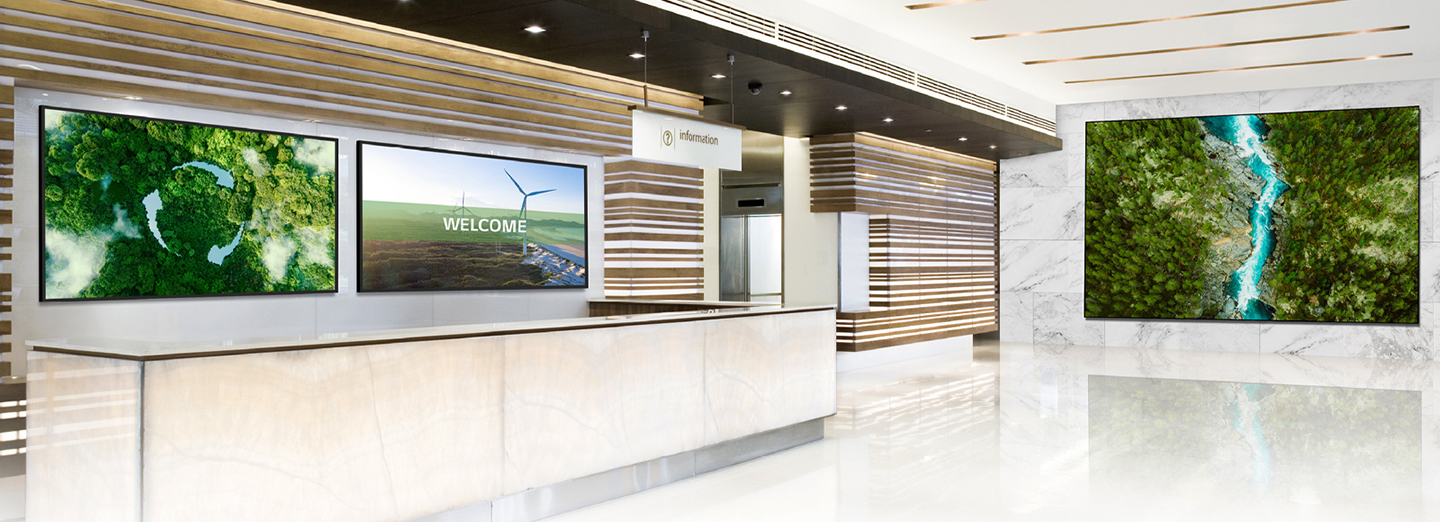
LG SuperSign Control+ makes it easy to control multiple devices simultaneously. When there are multiple devices that require settings changes, you can conveniently select them all at once and apply batch changes. By entering the select mode, you can choose multiple devices and efficiently modify their settings in a streamlined manner.
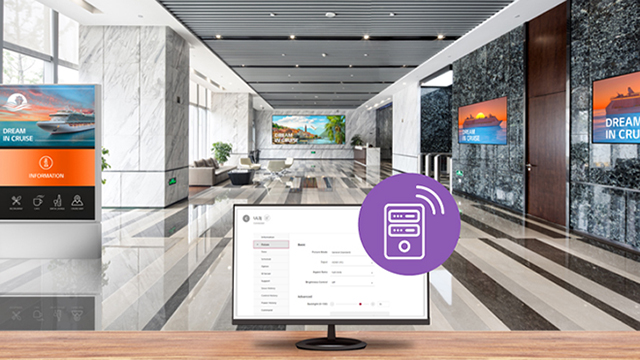
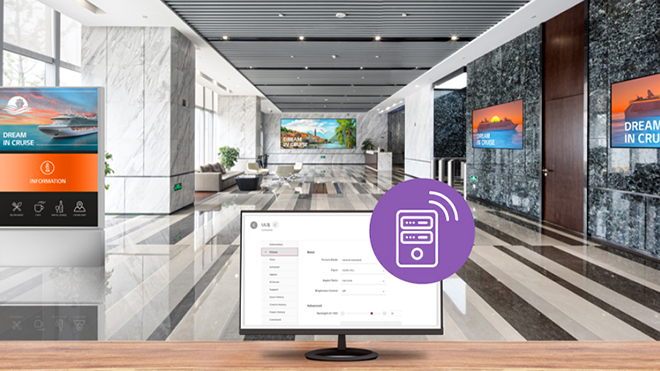
Remote Control
With LG SuperSign Control+, you have the ability to remotely control the desired signage displays. This remote control feature allows you to adjust basic settings, such as brightness, from a central location. Furthermore, LG SuperSign Control+ keeps a history of settings changes, enabling you to easily revert to previous configurations in case of mistakes while adjusting settings.
Schedule Configuration
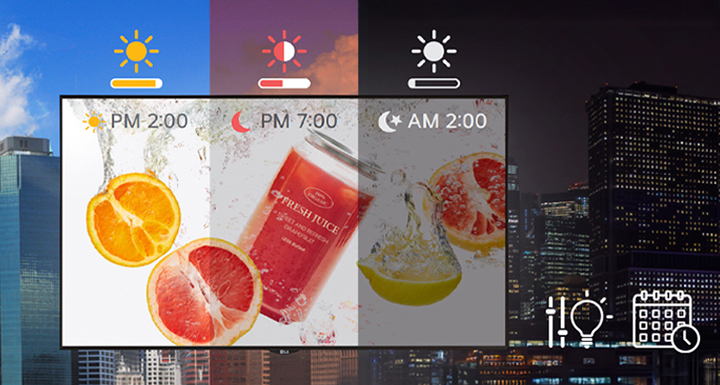
LG SuperSign Control+ offers the capability to set schedules for controlling various aspects of the signage display. You can adjust brightness, backlight, contrast, and other settings based on specific times. This flexibility allows you to tailor the display according to the user’s environment or specific requirements. The brightness level of digital signage displays is a major factor in determining their power consumption. LG SuperSign Control+ provides convenient multi-device control, including brightness scheduling, which helps optimize power consumption.

Management
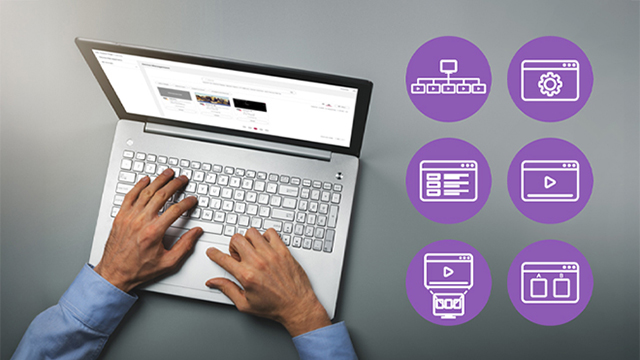
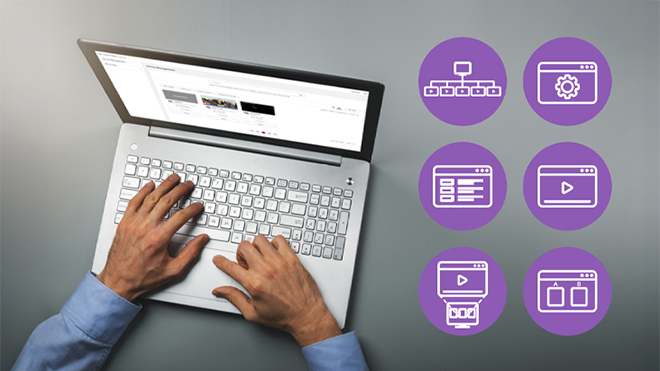
Management tools can be helpful when managing a large number of devices. LG SuperSign Control+ provides other types of management needed to run displays, such as account management and history management, in addition to device management.


Device Management
LG SuperSign Control+ provides efficient device management by allowing you to categorize and group devices based on their purpose. This feature is particularly useful when dealing with a large number of devices. You can easily view the status of your devices through the list view, which displays essential information such as serial numbers, model names, and IP addresses.
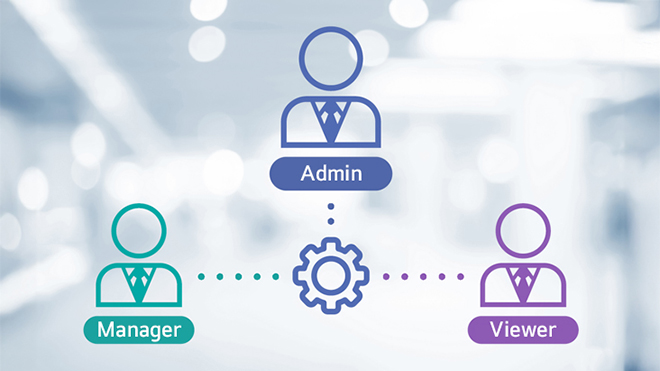
Account Management
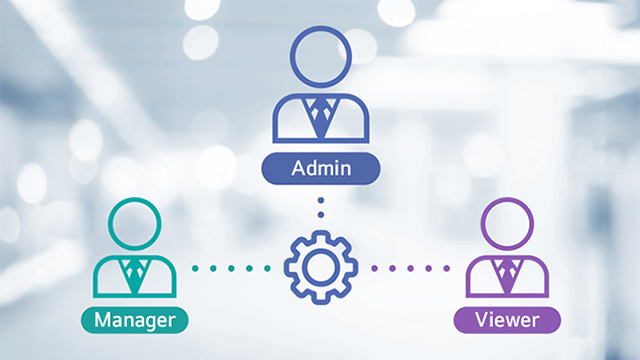
LG SuperSign Control+ has the capacity to integrate and manage up to 15,000 devices. Considering the challenge of managing a large number of devices, it is convenient to assign different permissions to different administrators. This allows for more efficient and secure device management by distributing responsibilities among multiple authorized personnel.
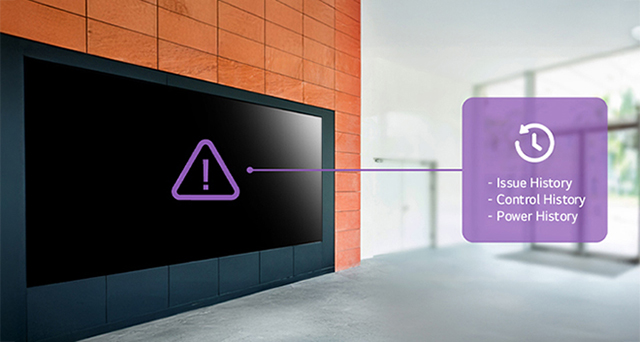
History Management
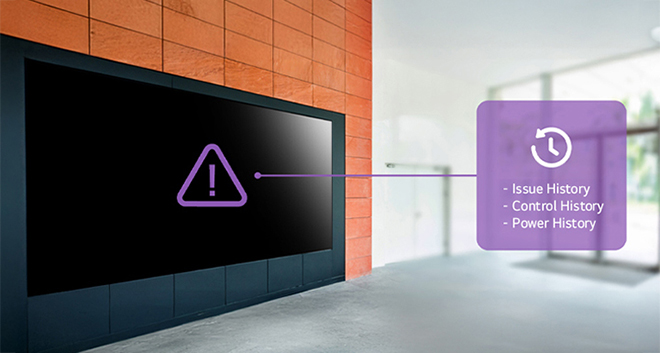
LG SuperSign Control+ keeps track of device control history, power on/off events, and even device issues and settings, facilitating comprehensive device management. With the device issue history log, users can proactively respond to recurring problems on specific devices. Furthermore, whenever changes are made to device settings, the system records them, providing a valuable reference. This means that if incorrect settings are applied, users can easily restore the previous configuration by referring to the history log, ensuring smooth management and minimizing potential errors.
Offering Trial Version
To assist you in making an informed purchase decision, we offer two options for trying out our solution. These options enable you to explore the functionality and determine its suitability for your specific needs. You can choose between a version that allows you to use limited features for free and a version that allows you to use all features for a limited period of time.
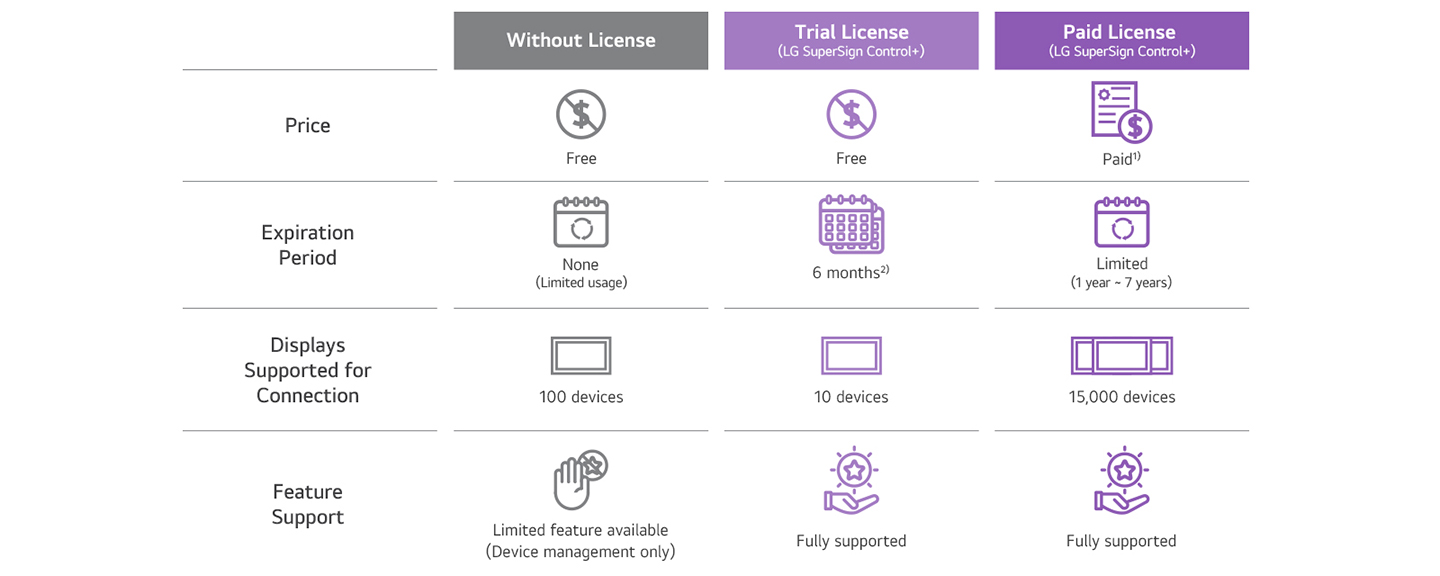
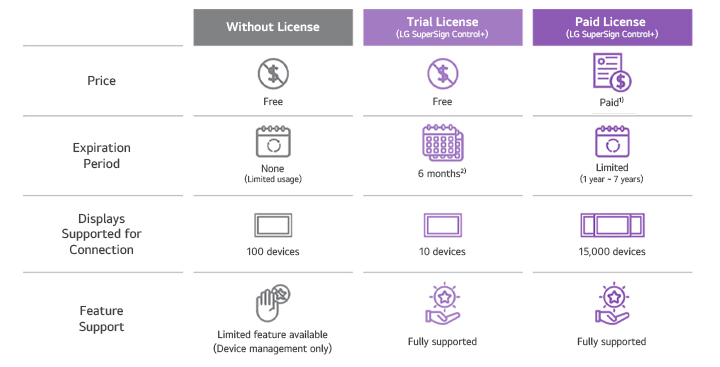
1) The license price depends on the number of connected signage displays.
2) The applicable period may vary by country. For detailed information, please contact your regional sales representative. For detailed information, please contact your regional sales representative.
2) The applicable period may vary by country. For detailed information, please contact your regional sales representative. For detailed information, please contact your regional sales representative.
Supported Scope By License Type




Business Resources
-
Brochure