LG SuperSign CMS,
On-premise Content Management Solution
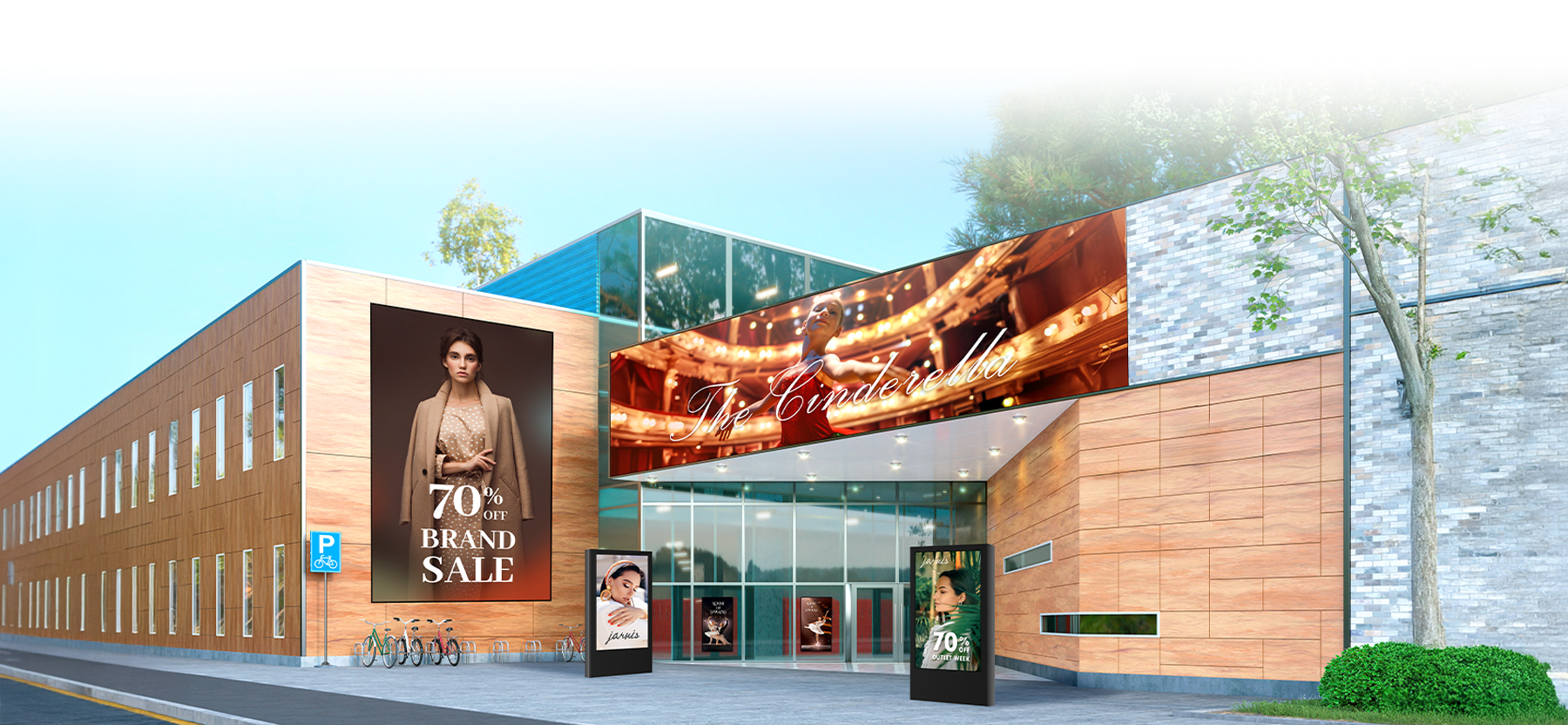

All images are for illustrative purposes only.

LG SuperSign CMS is an all-in-one on-premise software solution for content management that simplifies the process with its comprehensive range of features. With LG SuperSign CMS, users can create, edit, and schedule content with ease, and distribute it across a variety of LG devices. In addition, LG SuperSign CMS can monitor and control devices on which it is installed, allowing for centralized management and troubleshooting.
Contact Us




Key Features of LG SuperSign CMS
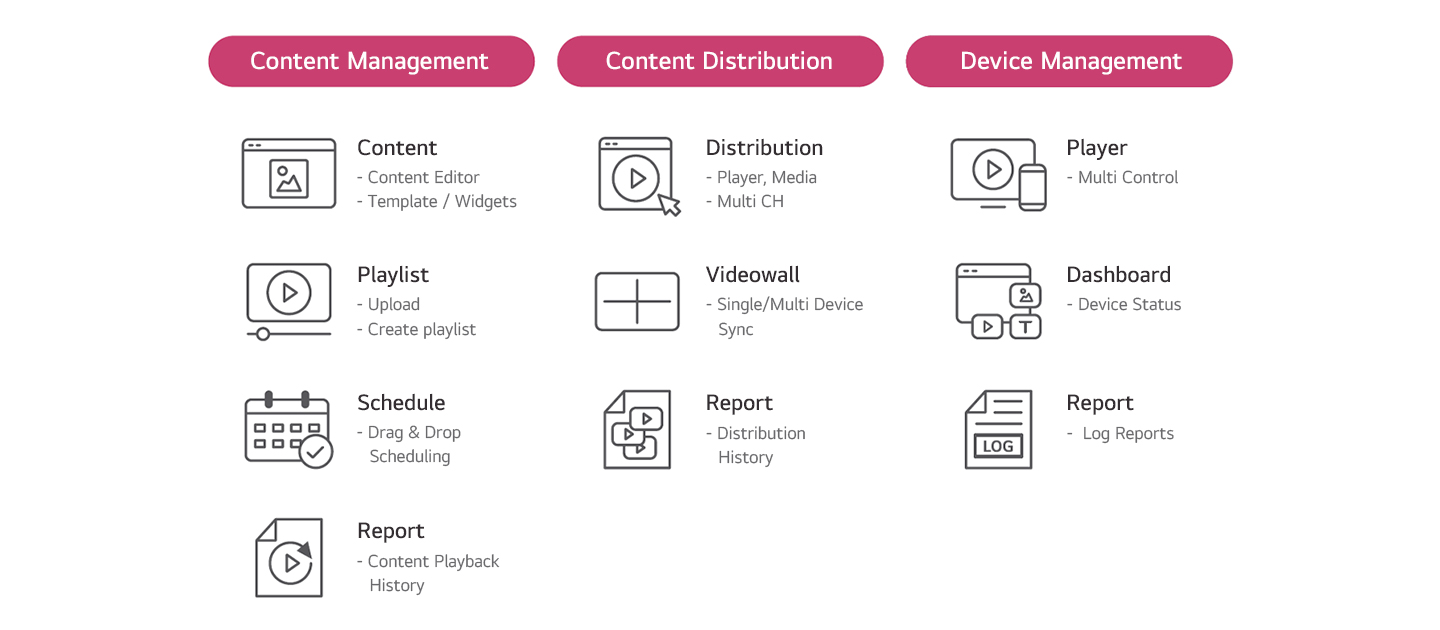
Content Creation
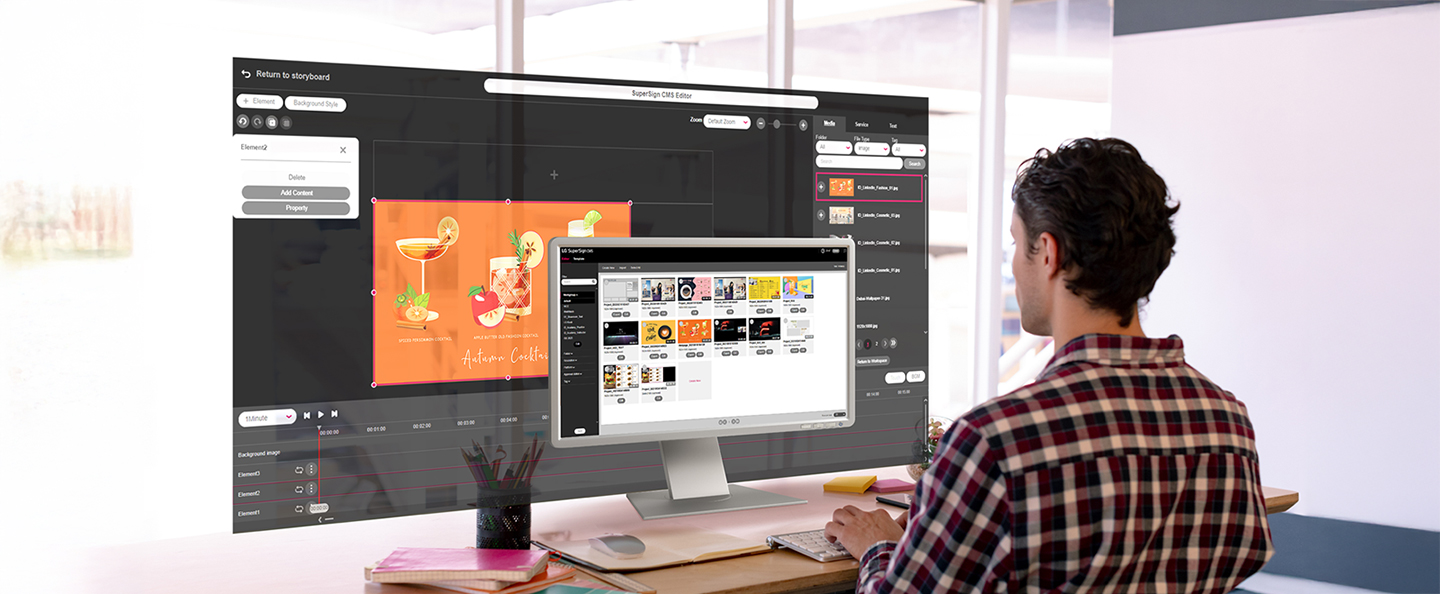
Content can be easily created using editor, customizable templates, external content* from streaming services, web videos and web pages for business to create wide range of content such as menu boards, promotions, or new updates. Using LG SuperSign CMS, users can edit with easy drag-and-drops, and simply check the overall content list at a glance.
-
Editor
 Various creation tools for images, background images, music, widgets and videos.
 -
Customizable Templates
 Wide range of templates tailored to every business types. (Shopping, Bars / Restaurants / Transportation etc.)
 -
External Content Integration
 Available to import external created content such as web video, and real-time streaming features.
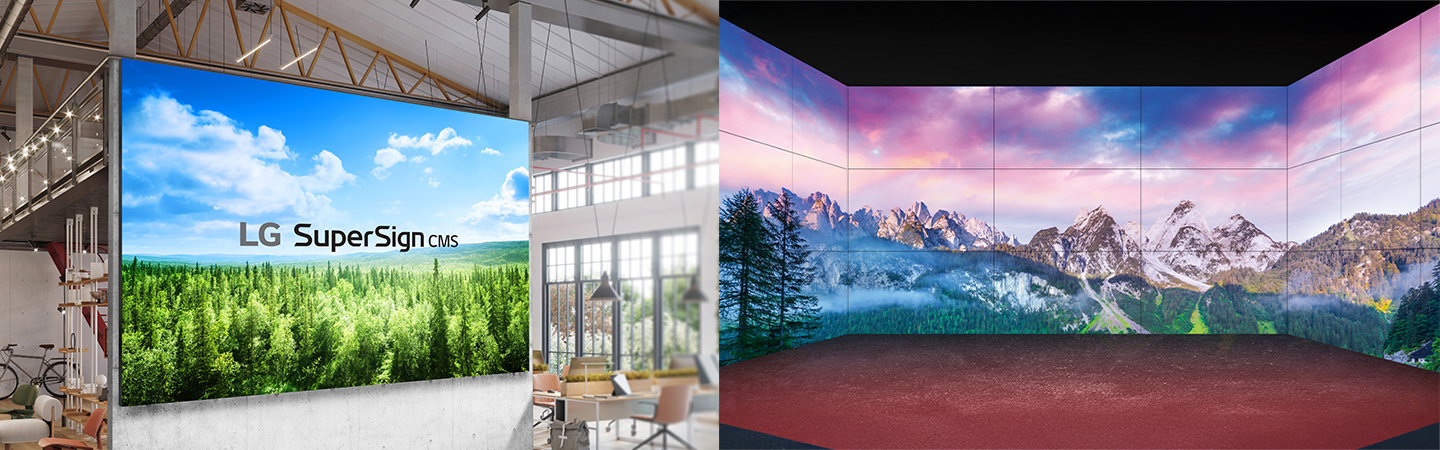
LED Content via Editor
With SuperSign Editor, users can create content for LED Signage, and it is available to distribute on LED signage including regular and irregular LED Signage.
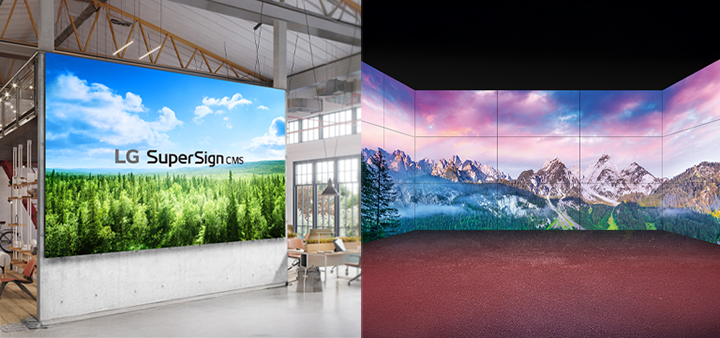
* LG SuperSign CMS provides a service that works with external content (Streaming, Web page, Web video, etc.), and external content is not included in the solution.
Content Distribution
LG SuperSign CMS makes it very simple for the users to distribute content on their signage displays using drag & drop schedule, tags match, and videowall sync to multi signage simultaneously.
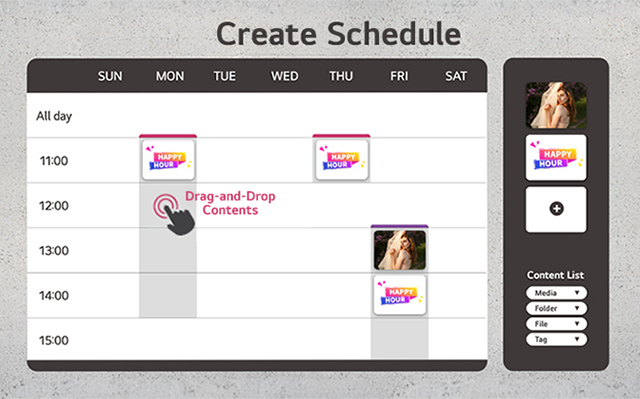
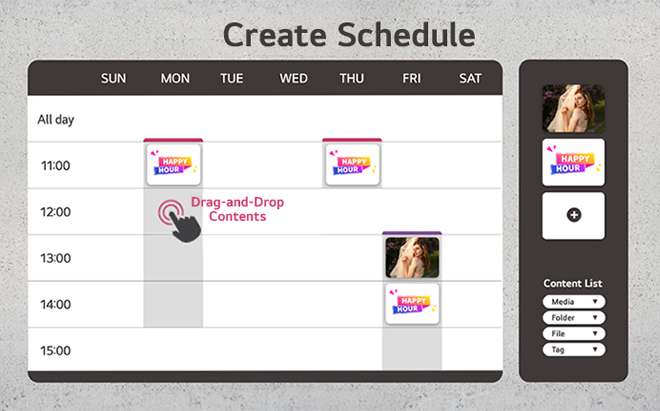
Drag & Drop Scheduling
Convenient to add content to calendar grid from the content list by drag & drop.
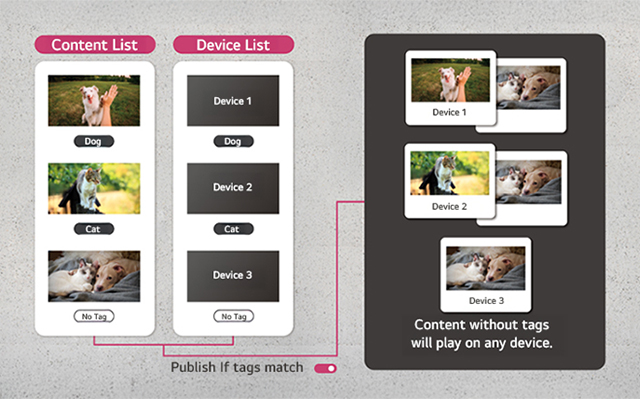
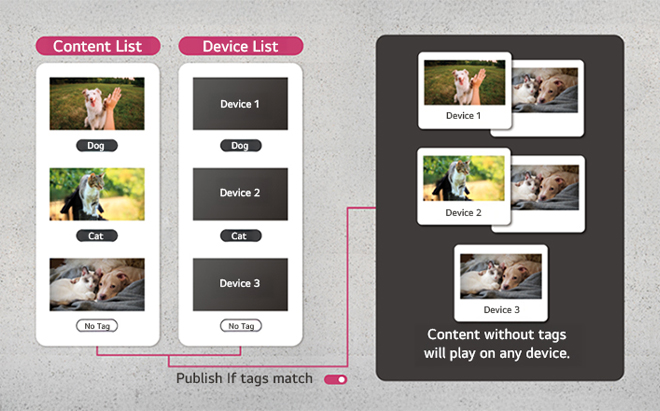
Publish if Tags Match
Available to selectively distribute content matched to each device based on tag settings.
* The availability of this feature may vary depending on the device model.
Multi-Channel Distribution
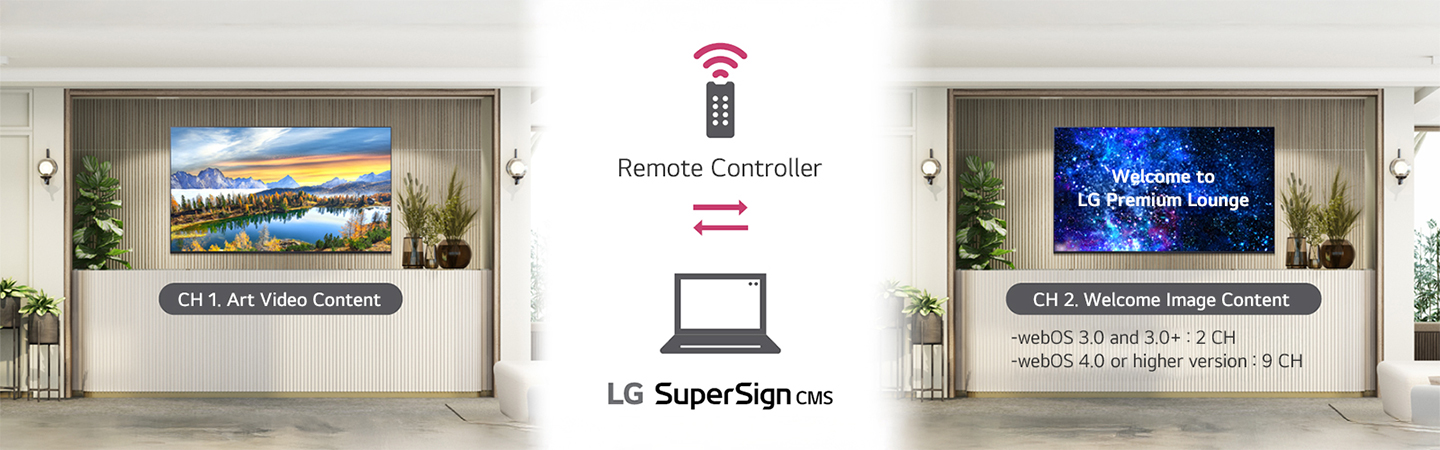
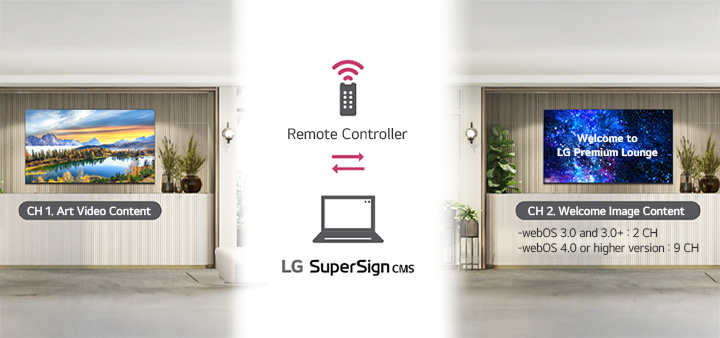
The multi-channel distribution feature is a powerful tool that simplifies the process of changing content on a display. Users can set up various channels on the device and pre-configure the content to be played for each channel. They can then use the remote controller to select the desired channel number and play the corresponding videos. This allows users to configure different content for each channel and easily switch between them.
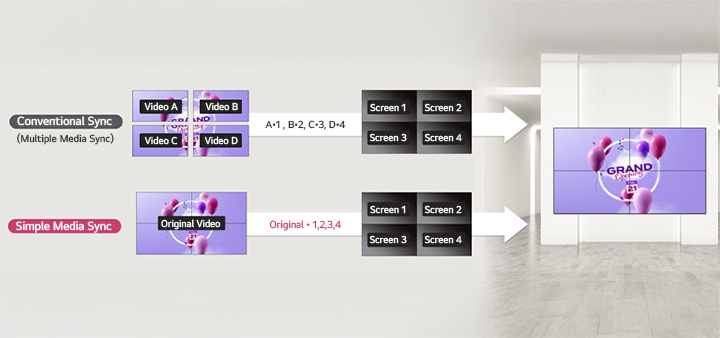
Videowall Sync
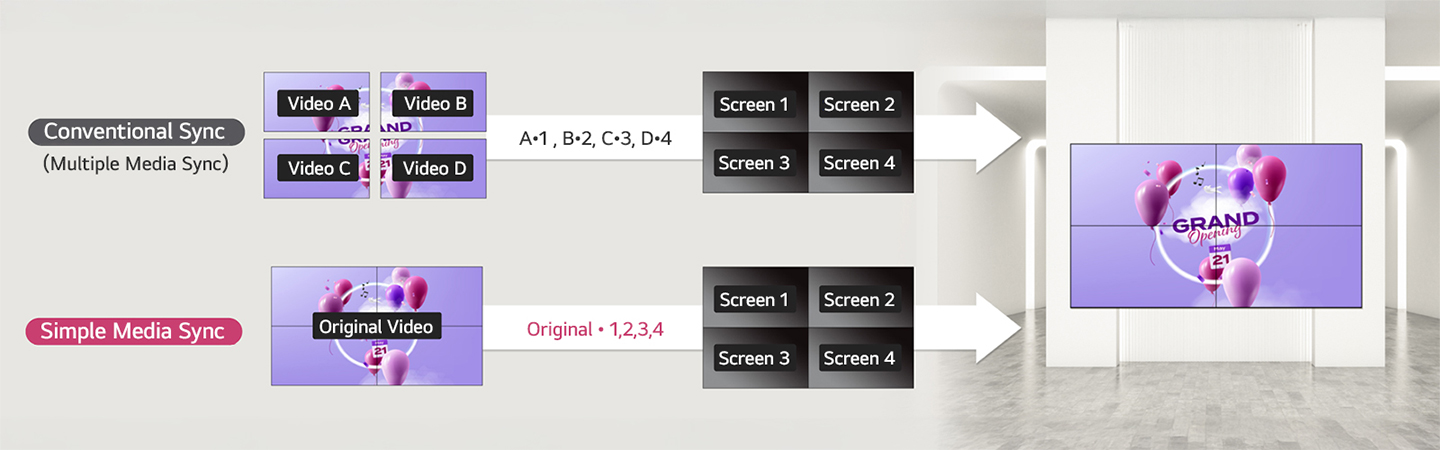
With Videowall feature, users can assign content without the need to split files for each signage, significantly streamlining the lengthy process of content editing and encoding for video walls. Now, all users have to do is select the playback video and define the display area for each section of the signage.
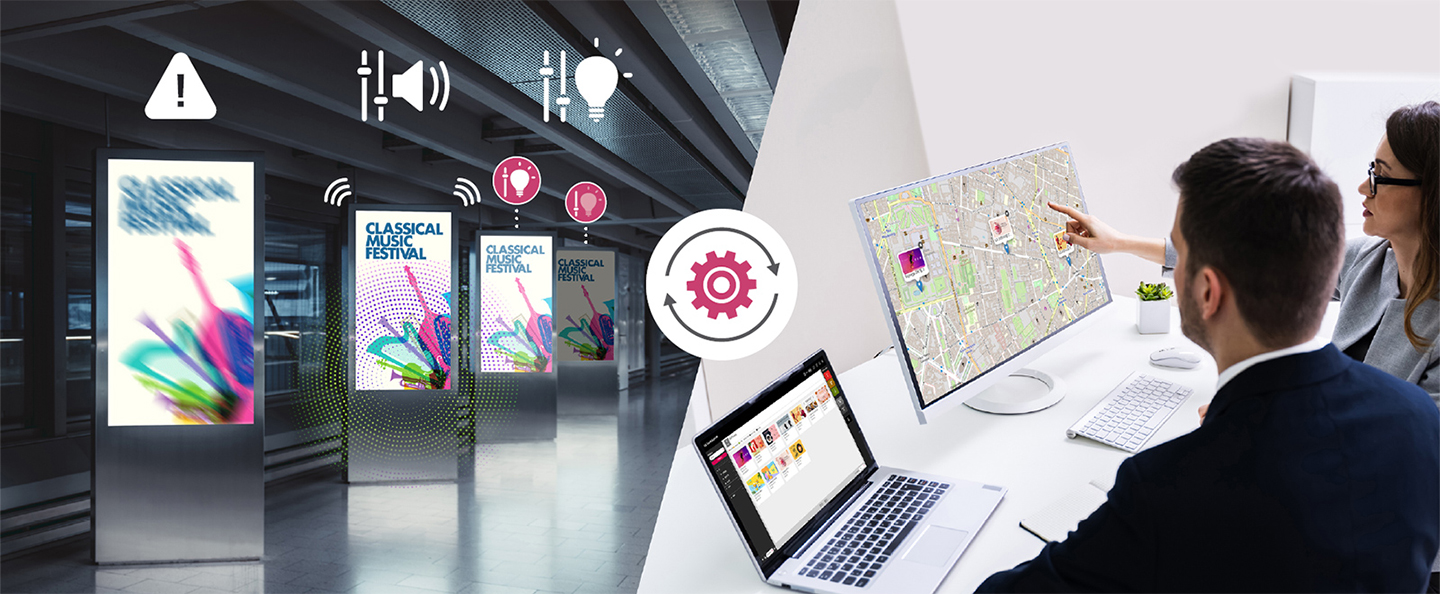
Device Management
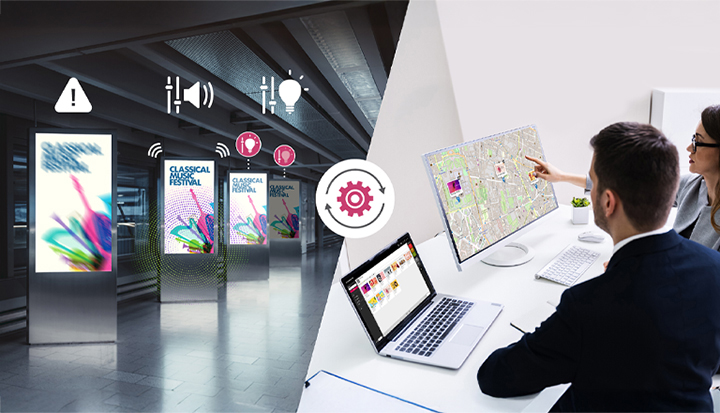
Administrators can effectively monitor and control multiple digital signage displays remotely from a single location. LG SuperSign CMS enables quick identification and troubleshooting of issues, as well as adjustments of settings such as volume, brightness to ensure all displays are functioning properly and deliver the intended content.
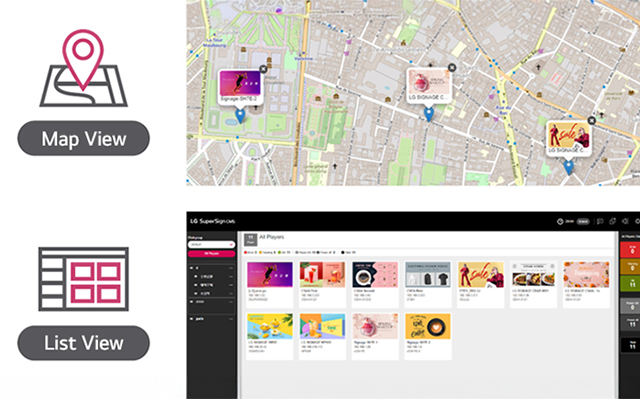
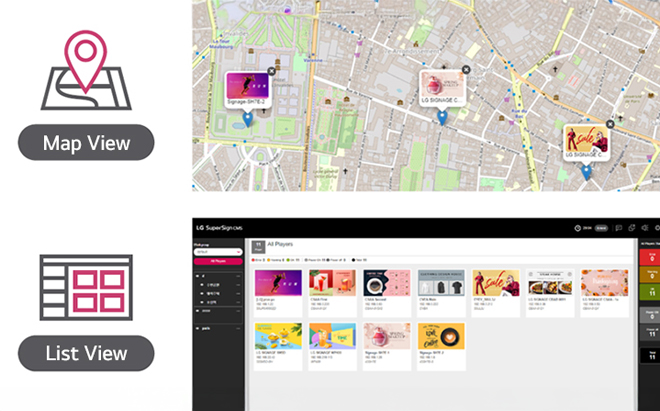
Monitoring
Provides real-time status of the devices and the content connected to each device in a ‘Map View’ or a ‘List View’, which is essential for ensuring the smooth functioning of all connected devices.
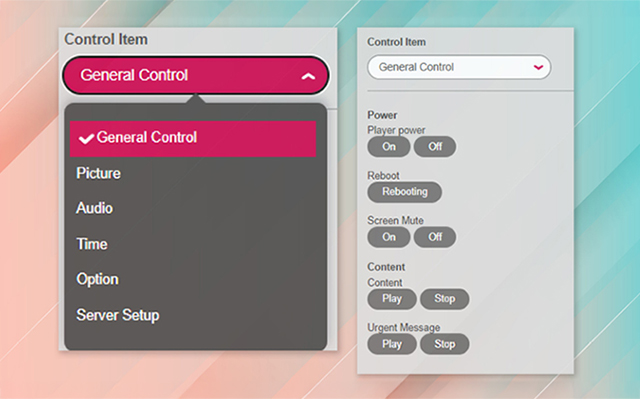
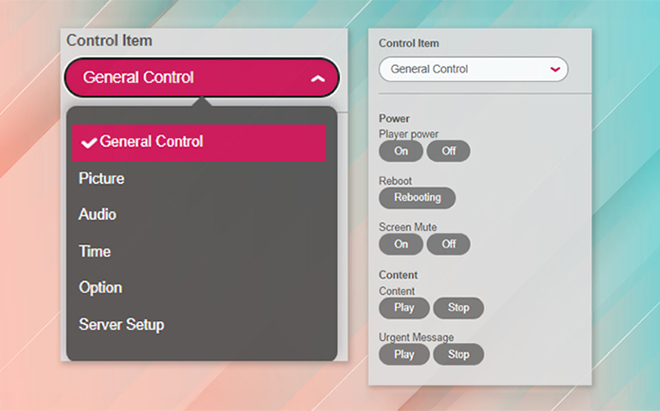
Control
Users can adjust the settings of any registered signage with just a few clicks (Picture, Audio, Time, Option, Server Setup). Users can easily change the displayed content and other settings, making it easy to keep the digital signage displays are always upto-date and displaying the correct content. It even supports installing ‘Network Security Certification’ to on devices via LG Supersign CMS.
Dashboard
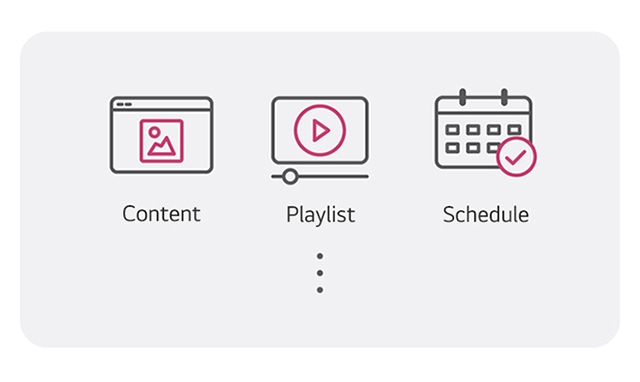
LG SuperSign CMS provides intuitive dashboard for users to check overall status of the registered devices and the content connected to each device.
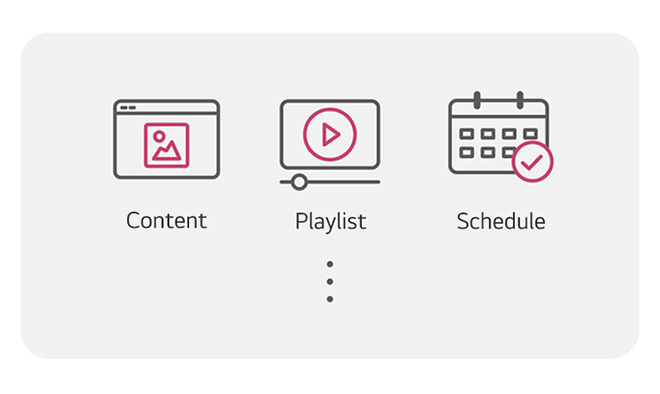
System Summary Information
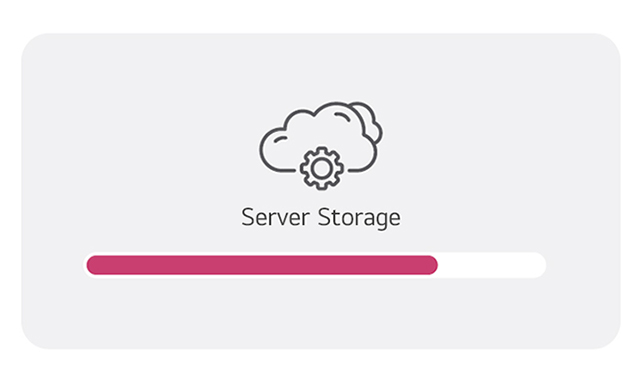
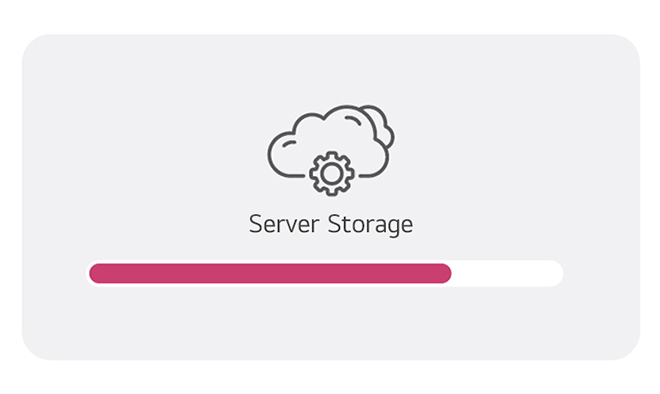
Status of Server Storage
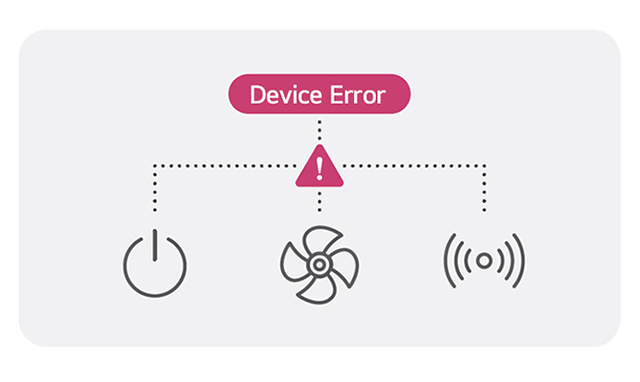
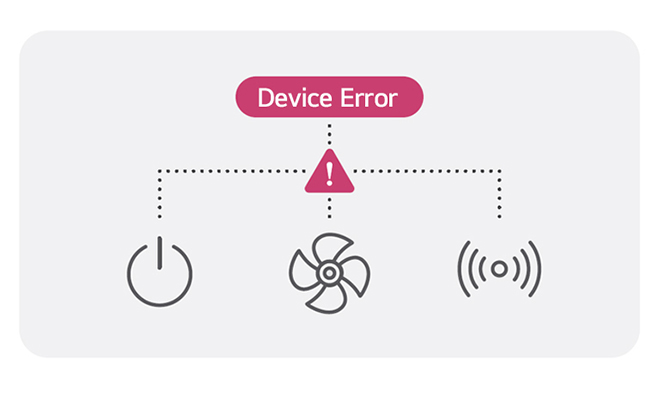
Device Status (Power, Temperature, Fans, Signals)
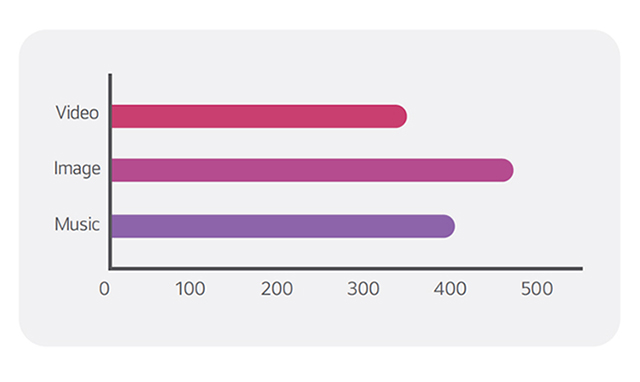
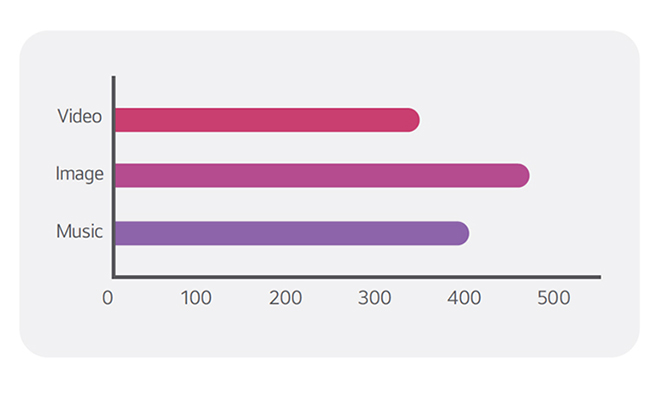
Number of Registered Content
Additional Features
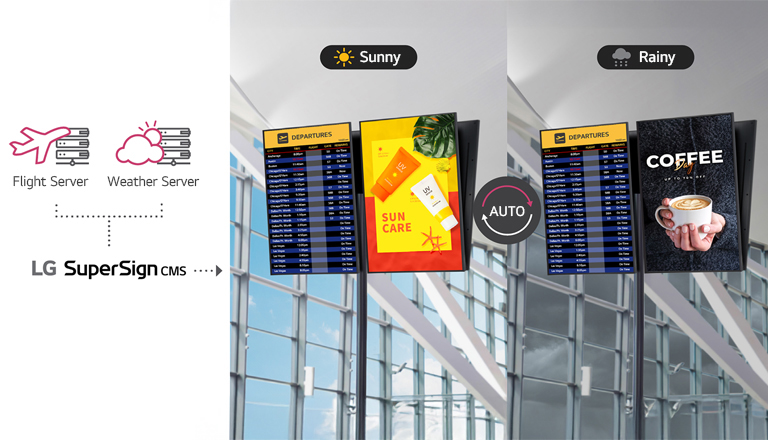
External Database Connectivity
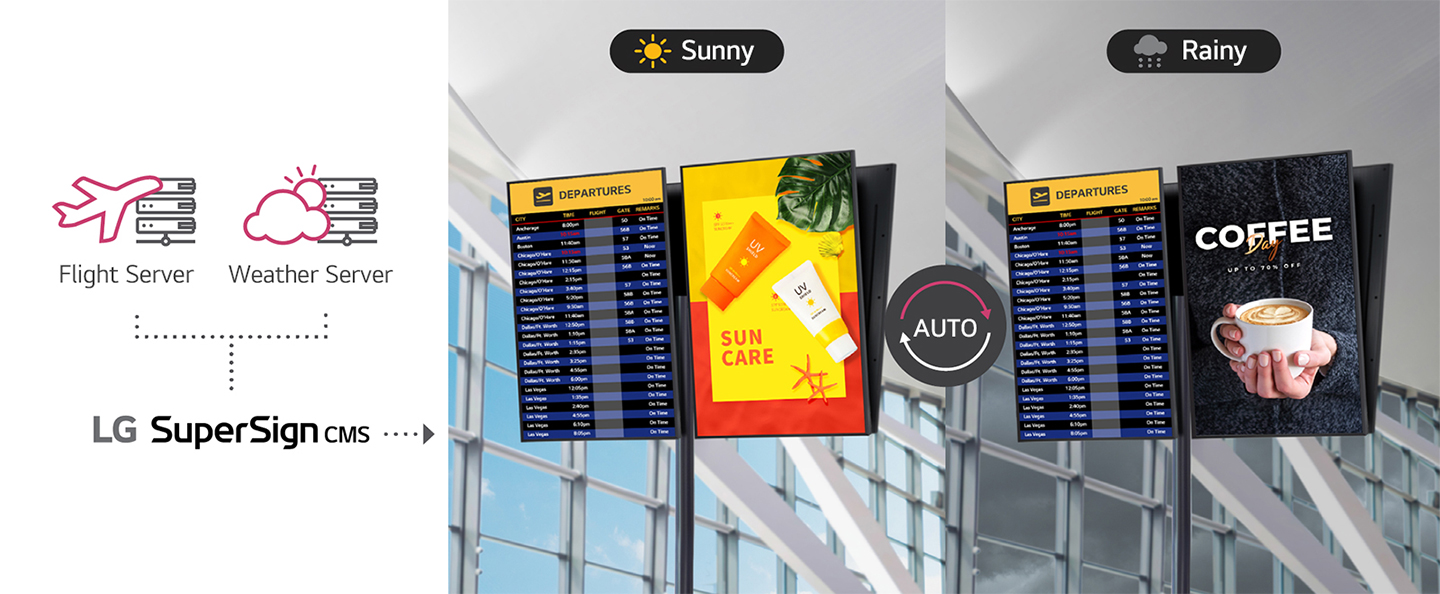
LG SuperSign CMS can connect to external databases, allowing for real-time data to be displayed in conjunction with SuperSign content. This feature is particularly useful for displaying information such as weather conditions or flight status updates, which can be updated automatically and displayed in real-time.
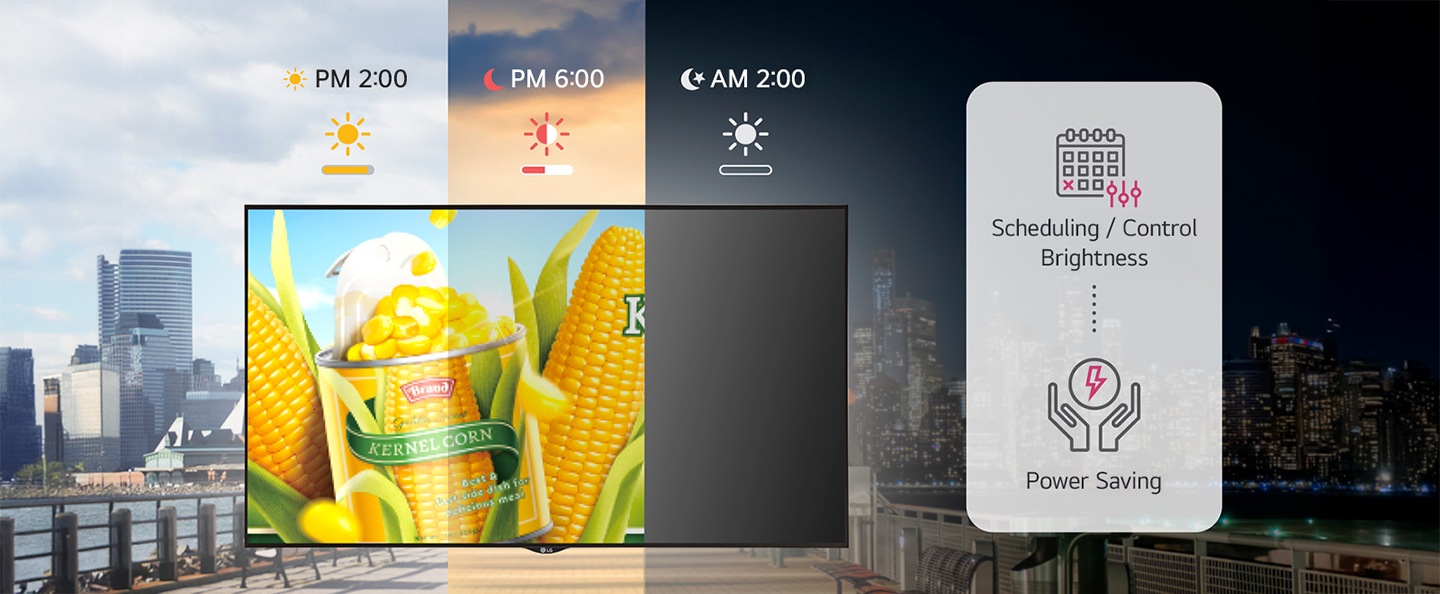
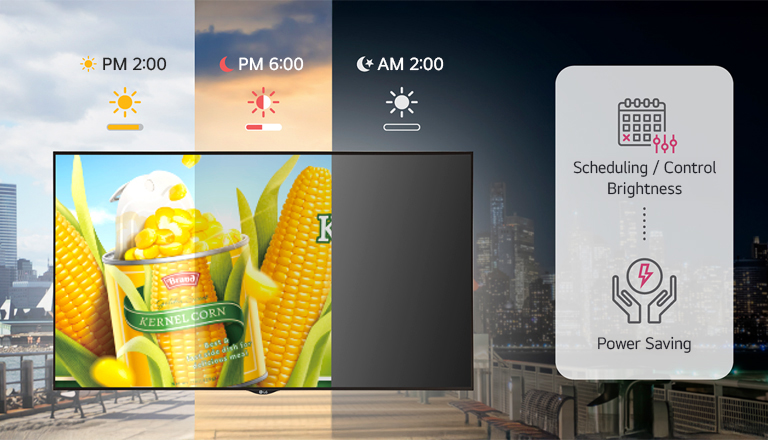
Optimized Power Consumption
The brightness level of digital signage displays is a major factor in determining their power consumption. LG SuperSign CMS provides convenient multi-device control, including brightness scheduling, which helps optimize power consumption.
Compatible Devices
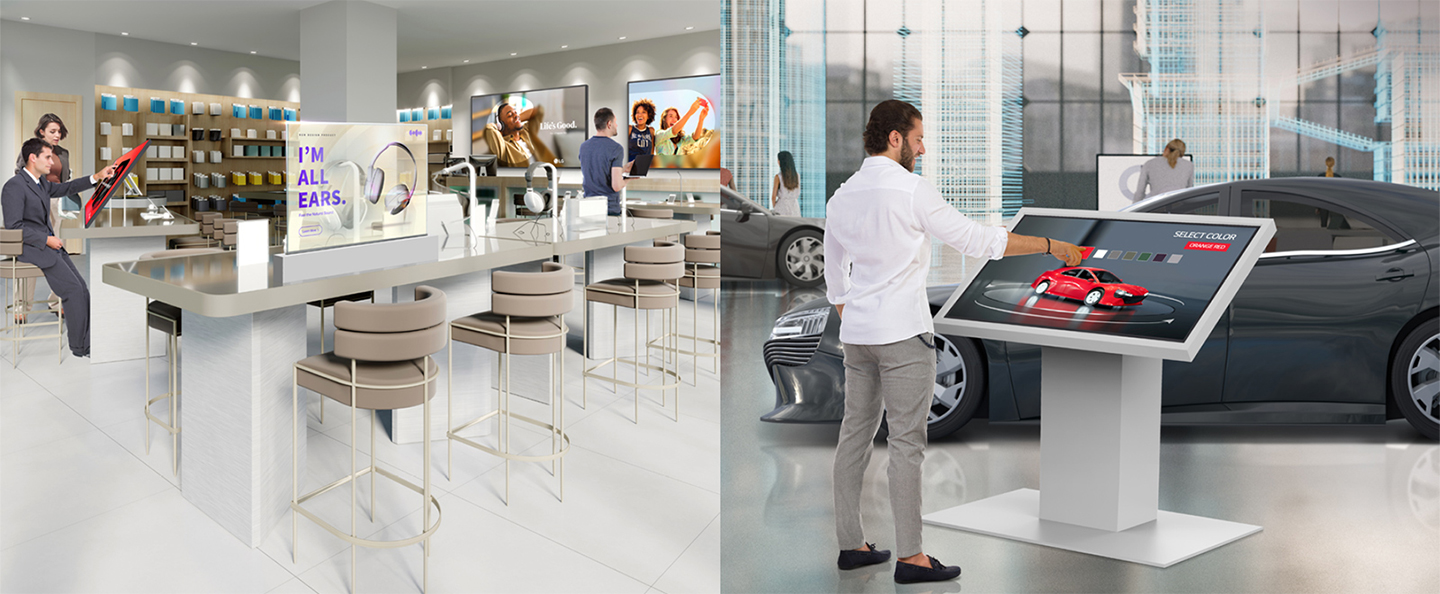
LG SuperSign CMS is optimized for all LG Signage displays. Any content created through LG SuperSign CMS can be used regardless of the types of the display. This means that LG SuperSign CMS can seamlessly connect and manage different types of LG digital signage (High brightness, Videowall, LED, OLED, etc.) using a single server, making it a versatile solution for system administrators.
People Also Ask
Key questions about our software solutions.
Q. What is LG SuperSign CMS and which organizations is it suitable for?
A : LG SuperSign CMS is an on-premise content management solution designed for organizations that want to operate their digital signage system through an internally managed server infrastructure. By installing and managing a physical SuperSign server within their own network, businesses can centrally control and distribute content across multiple displays.
This solution is ideal for enterprises, large campuses, commercial complexes, government institutions, and corporate headquarters that require advanced network control and system customization. It is particularly suitable for organizations that prefer to build and manage signage infrastructure within their own IT environment rather than using a cloud-based platform.
The following FAQs provide general information about LG SuperSign CMS. For complete feature descriptions, please refer to the product details above.
This solution is ideal for enterprises, large campuses, commercial complexes, government institutions, and corporate headquarters that require advanced network control and system customization. It is particularly suitable for organizations that prefer to build and manage signage infrastructure within their own IT environment rather than using a cloud-based platform.
The following FAQs provide general information about LG SuperSign CMS. For complete feature descriptions, please refer to the product details above.
Q. How does LG SuperSign CMS manage and distribute digital signage content?
A : LG SuperSign CMS functions as software for digital signage that enables centralized content creation, scheduling, and device management within a private network.
Key features include:
- Upload and management of images, videos, HTML, and multimedia content
- Built-in templates and design assets for screen layout creation
- Group-based display management for efficient multi-location control
- Scheduled playback and time-based content distribution
- Device monitoring and operational history tracking
These capabilities allow organizations to manage multiple displays systematically while maintaining full control over their internal infrastructure.
Key features include:
- Upload and management of images, videos, HTML, and multimedia content
- Built-in templates and design assets for screen layout creation
- Group-based display management for efficient multi-location control
- Scheduled playback and time-based content distribution
- Device monitoring and operational history tracking
These capabilities allow organizations to manage multiple displays systematically while maintaining full control over their internal infrastructure.
Q. How can I deploy LG SuperSign CMS? Is additional software installation required?
A : Because it is an on-premise software solution, deployment requires server environment planning and installation. Organizations must review the number of displays, network structure, and hardware specifications before implementation. Based on these factors, the SuperSign server configuration is designed to match the company’s IT infrastructure and operational scale.
Separate software installation is required. The CMS installation package is provided through LG’s Partner Portal, where authorized users can download the necessary files.
For detailed system requirements and licensing policies, please contact your local sales representative or visit the official inquiry page: https://www.lg-informationdisplay.com/support/inquiry
For detailed system requirements and licensing policies, please contact your local sales representative or visit the official inquiry page: https://www.lg-informationdisplay.com/support/inquiry
Q. Which devices are compatible with LG SuperSign CMS?
A : LG SuperSign CMS is compatible with LG commercial displays running webOS. Supported categories include High Brightness, Standard Signage, Video Wall, Stretch, OLED, and LED models.
This broad compatibility allows deployment across various indoor and outdoor environments. However, supported features may vary depending on region, product model, and software version. For the most accurate and up-to-date compatibility information, please consult your local sales representative.
This broad compatibility allows deployment across various indoor and outdoor environments. However, supported features may vary depending on region, product model, and software version. For the most accurate and up-to-date compatibility information, please consult your local sales representative.
Business Resources
-
Brochure